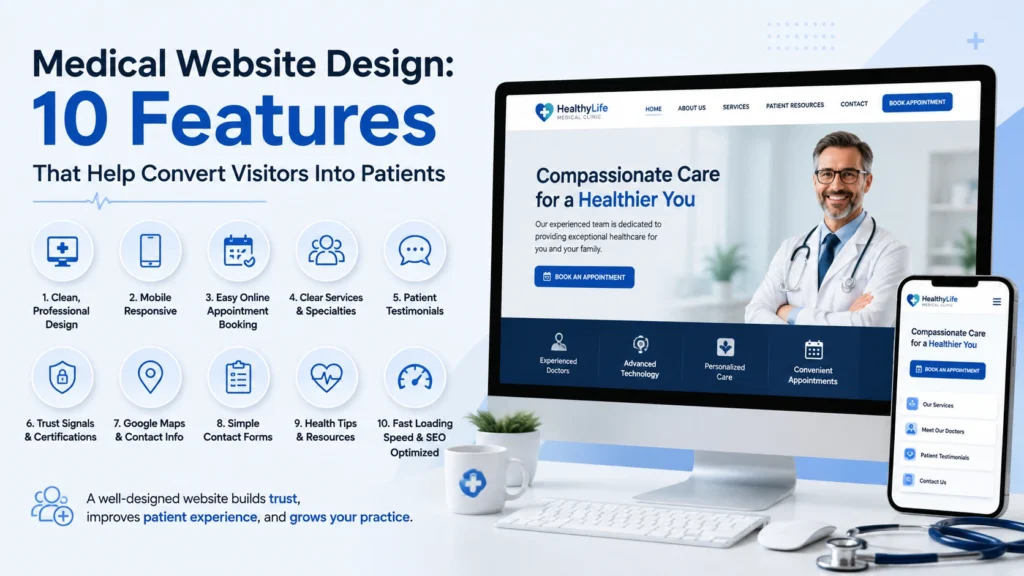
A medical website has two jobs: help people understand the practice and make it easy for the right visitors to take the next step.
Good medical website design is therefore about more than colors, fonts, and photographs. Structure and usability can influence whether a visitor finds the information they need or leaves without contacting the practice.
1. A Strong Primary Call-to-Action
The website should have a clear primary action, such as requesting an appointment or contacting the office. The action should be visible without making visitors search for it.
2. Click-to-Call on Mobile
For many local practices, a phone call remains an important conversion. A mobile-friendly click-to-call button can remove an unnecessary step for someone who is ready to contact the office.
3. Dedicated Service Pages
Important services deserve clear explanations. Dedicated pages can provide useful information while creating a stronger topical structure for search engines.
[ inline image 16:9 — wireframe with ten labeled conversion features ]4. Provider and Practice Information
Patients want to know who is providing their care. Professional provider information, credentials where appropriate, photographs, and a clear practice story can help establish confidence.
5. Clear Location and Contact Information
The office address, phone number, hours, and directions should be easy to find. Local information is especially important for independent medical clinics competing for nearby patients.
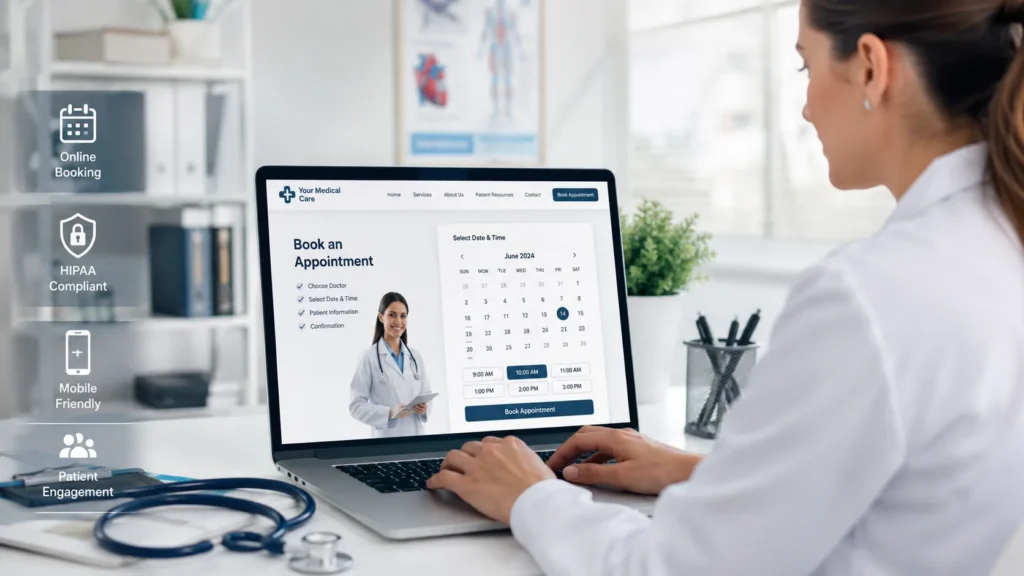
6. Mobile-First Navigation
Menus, buttons, forms, and content should be designed for small screens. A visitor should be able to move from service information to contact without fighting the interface.
7. Fast, Focused Pages
A website does not need to be overloaded with animations or unnecessary elements. Focused pages can make it easier for visitors to find what matters and move toward the next step.
8. Useful FAQs
Frequently asked questions can reduce friction by addressing common concerns before someone calls. FAQs should be genuinely useful and based on questions the practice can answer accurately.
9. Landing Pages for Advertising
If the practice runs paid search campaigns or Meta Ads, the website should have pages that support those campaigns. A landing page for a specific service can provide a more direct experience than sending every visitor to the homepage.
10. Measurement and Conversion Tracking
A modern medical website should be prepared for measurement. Tracking important actions can help the practice understand how visitors interact with the site and which marketing channels are contributing leads.
[ inline image 16:9 — cluttered site vs. clean clinic site ]Putting the Features Together
The most effective medical website design is not a checklist of isolated features. The features should work together.
A visitor might arrive from Google, read a service page, check the provider information, tap the phone number, or submit an appointment request. Every step should feel connected and intentional.
Conclusion
A professional medical website should be designed around the patient’s journey. Clear information, mobile usability, trust-building content, relevant service pages, and strong conversion paths create a stronger foundation for SEO and paid advertising.
Planning a new medical website or redesign?
Pacific Digital builds healthcare websites designed to support patient acquisition, SEO, Google Ads, and social advertising.
See Website Design Services ← All articles Next: Google Ads for doctors →